> For the complete documentation index, see [llms.txt](https://help.openloyalty.io/llms.txt). Markdown versions of documentation pages are available by appending `.md` to page URLs; this page is available as [Markdown](https://help.openloyalty.io/implementation-guide/getting-started-1/dashboard/general-overview.md).
# General Overview
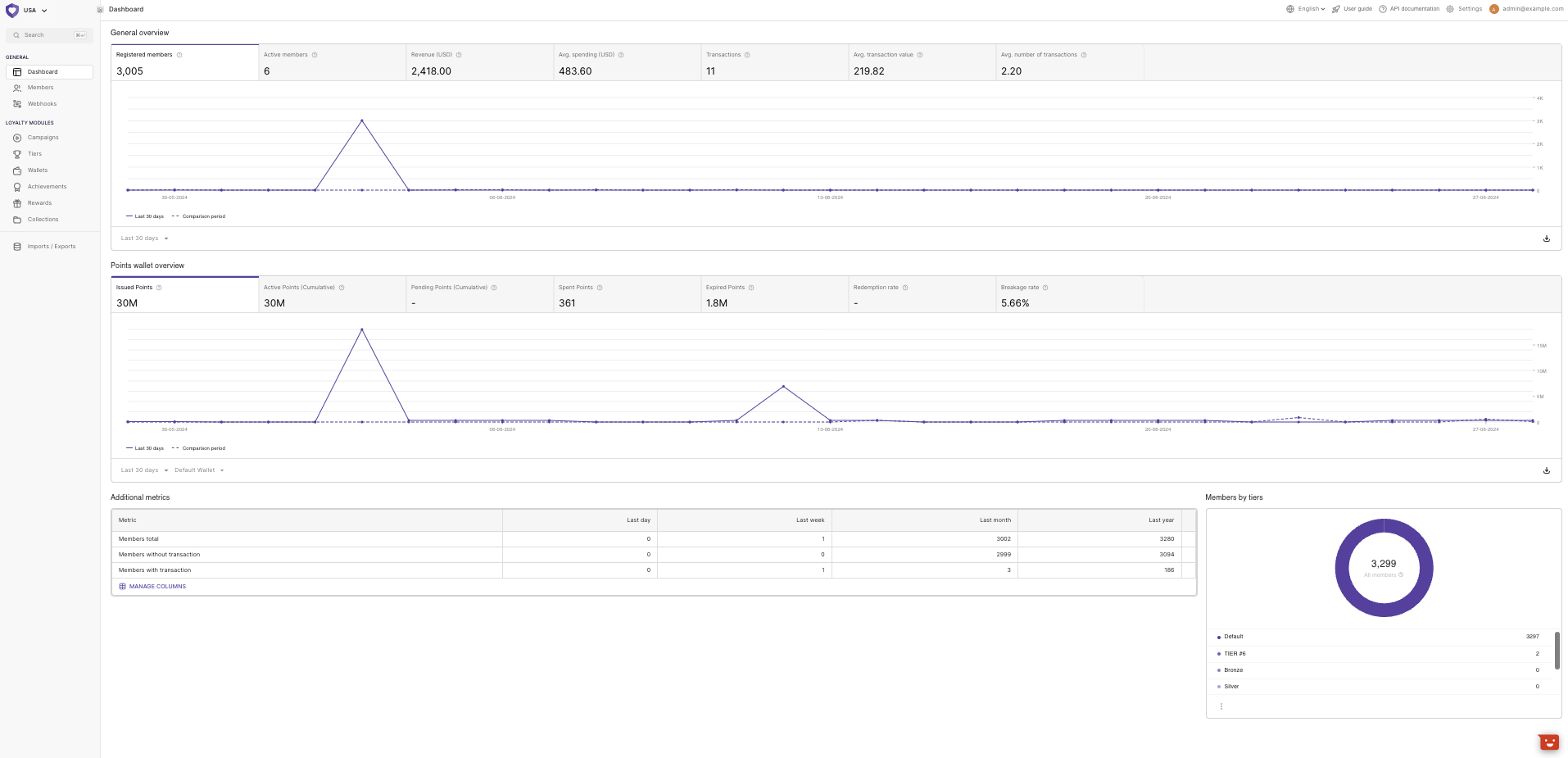
The dashboard is the first page that appears when you log in to the Admin panel. The dashboard gives an overview of the members' activity in your loyalty programs.
## General overview
The dashboard provides a general overview of the specific tenant[^1]. To see data for other tenants, you can change the view under the logo in the upper left corner.
***
### Analytics - previous period comparison
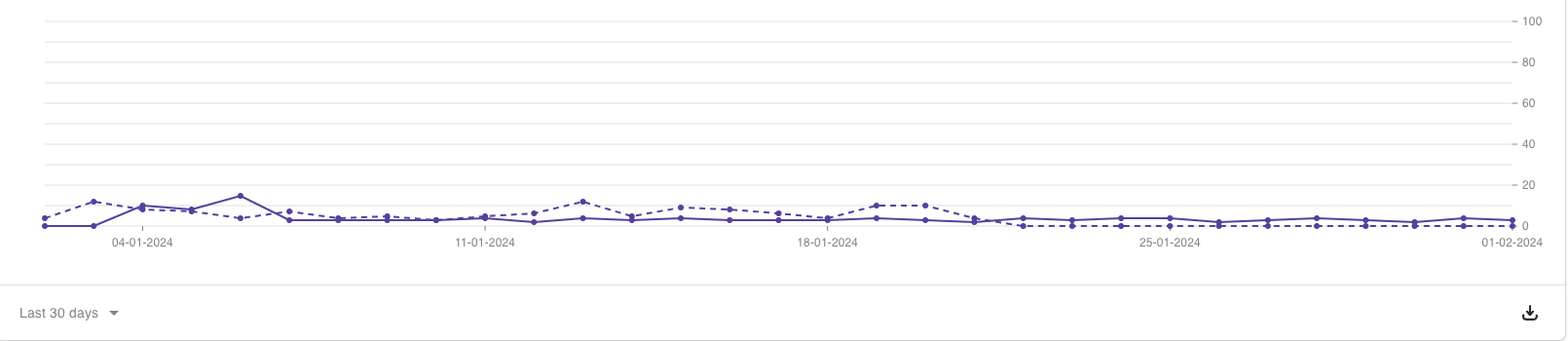
There is a dashed line representing the previous period for the following reports: **General overview**, [**Units Wallet Overview**](https://help.openloyalty.io/main-features/dashboard/units-wallet-overview), and **Campaign overview**.
***
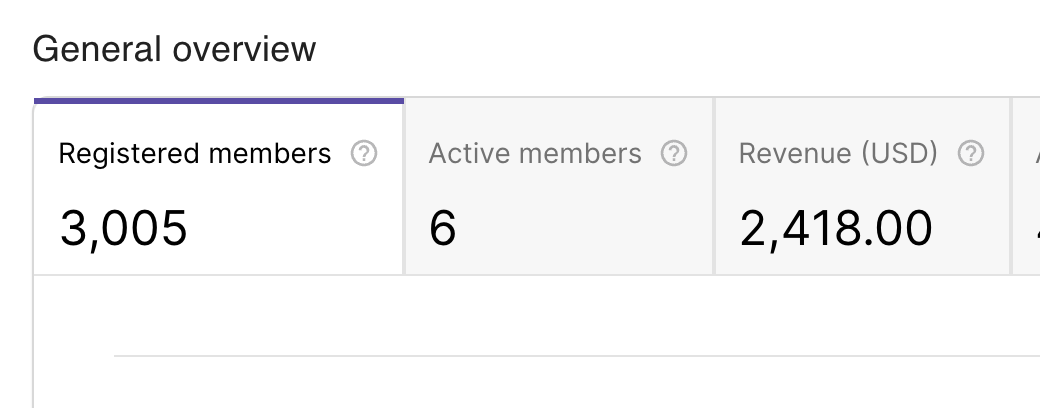
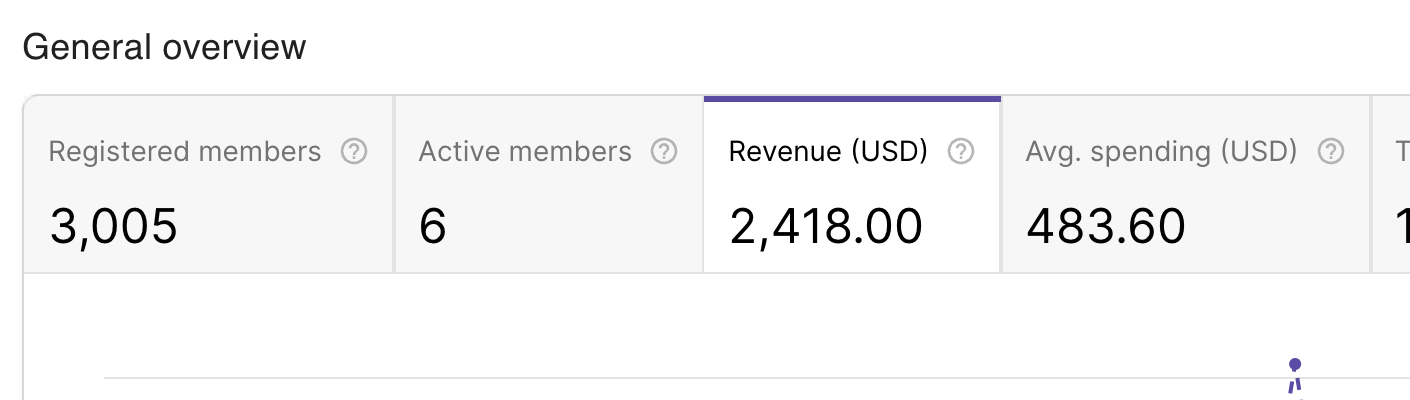
### **Registered Members**
The number of loyalty program members who activated their account during a given period - is calculated for the period selected in the filters:
***
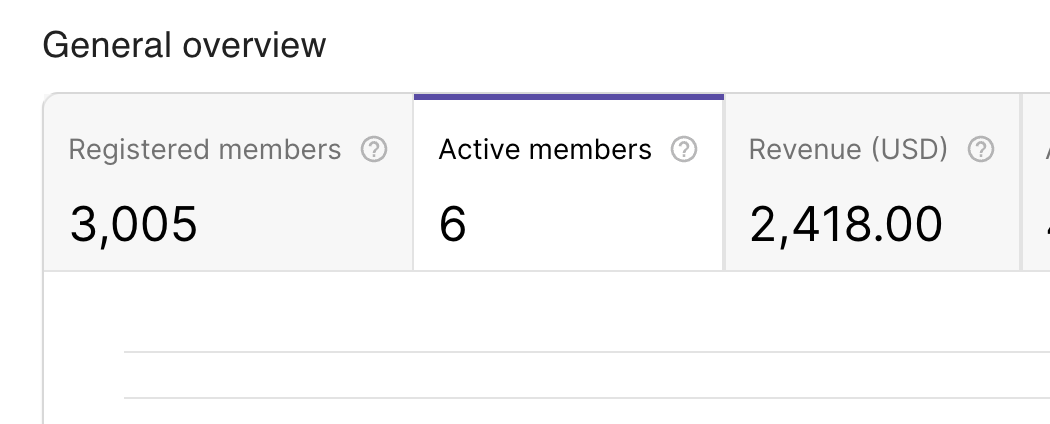
### Active Members
Total number of active members on the last day in the set date range. Data range can be configured in the General settings:
{% hint style="info" %}
The configuration in the settings determines the total number of active members on the last day within the given date range. The activity of these members is recalculated under two circumstances:
1. **Real-time Recalculation:** The activity of members is recalculated every 60 seconds whenever there's a new activity, like a new transaction. This ensures that the count of active members stays up-to-date as members engage with the system.
2. **Daily Recalculation:** Additionally, activity is recalculated once a day. This daily recalibration considers any changes in the activity configuration specified in the settings. The previously calculated active member count will not change.
{% endhint %}
***
### **Revenue**
The total value of transactions registered in the loyalty program (linked to a member's profile) during a given period (including returns):
***
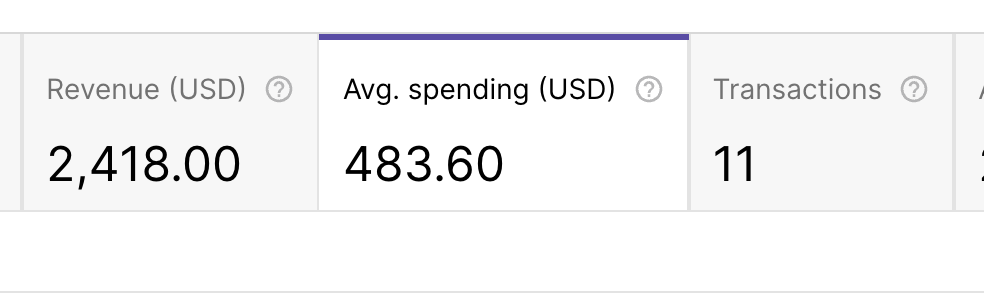
### **Avg. Spending**
The average value of spending per loyalty program member during a given period (calculated for the number of loyalty program members with whom at least one transaction was linked in the given time):
***
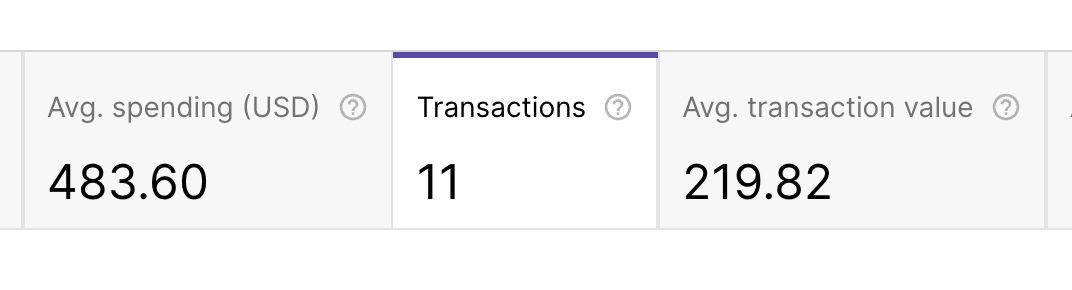
### **Transactions**
The total number of purchase transactions registered in the loyalty program (linked to a member's profile) during a given period. The date of purchase in the analytical module is considered as the transaction registration date:
***
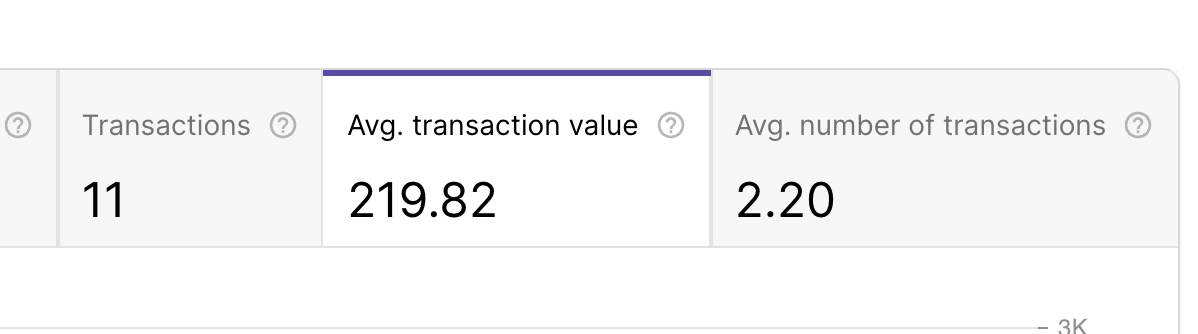
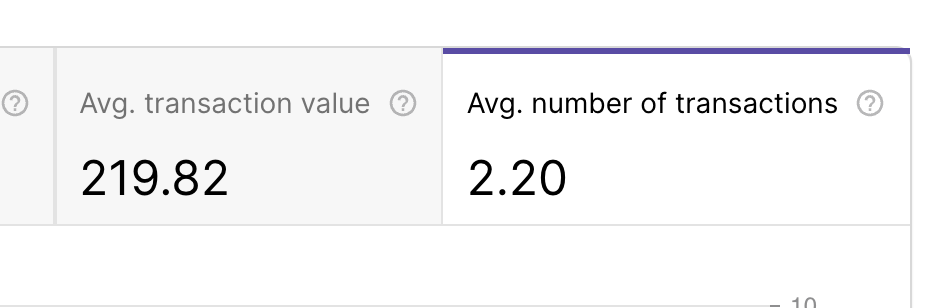
### **Avg. Transaction Value**
The average value of purchase transactions realized during a given period:
***
### **Avg. Number of Transactions**
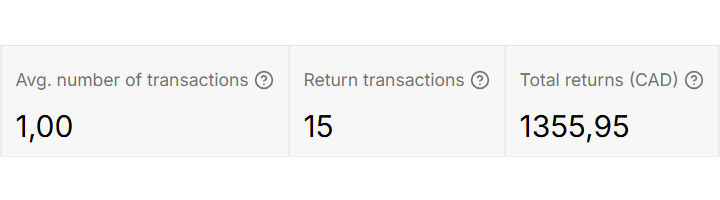
The average number of transactions per loyalty program member is calculated for a given period (calculated for the number of loyalty program members with whom at least one transaction was linked in the given period):
***
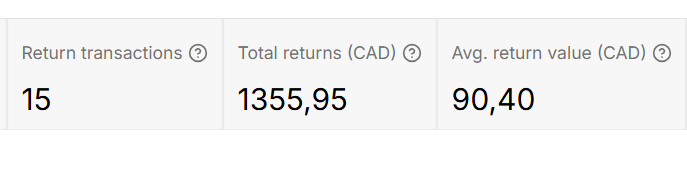
### Return transactions
Total number of return transactions within the set date range.
***
### Total Returns
Total value of return transactions matched with members within the set date range.
***
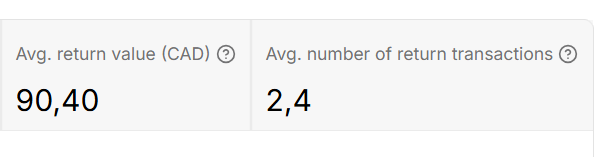
### Avg. return value
Average return transaction value within the set date range.
***
### Avg. number of return transactions
Average number of return transactions per member within the set date range.
[^1]: Previously called Store
---
# Agent Instructions
This documentation is published with GitBook. GitBook is the documentation platform designed so that both humans and AI agents can read, navigate, and reason over technical content effectively. Learn more at gitbook.com.
## Querying This Documentation
If you need additional information that is not directly available in this page, you can query the documentation dynamically by asking a question.
Perform an HTTP GET request on the following URL with the `ask` and `goal` query parameters:
```
GET https://help.openloyalty.io/implementation-guide/getting-started-1/dashboard/general-overview.md?ask=&goal=
```
`ask` is the immediate question: it should be specific, self-contained, and written in natural language.
`goal` is what the user is ultimately trying to achieve, the reason they need the answer. Sharing it helps GitBook give you a better, more relevant answer. A goal is most helpful when it describes the outcome the user wants rather than restating the question. For example, with `ask=how do I create an API token`, a goal like `build a script that syncs our docs to a CMS` lets GitBook tailor the answer to that use case.
The response will contain a direct answer to the question and relevant excerpts and sources from the documentation.
Use this mechanism when the answer is not explicitly present in the current page, you need clarification or additional context, or you want to retrieve related documentation sections.